So,this is a tutorial for smilies,lit works everywhere(including notes and messages
And you wonder how?
Listen to this tutorial.
Spoiler
For who has iOS 5+
Spoiler
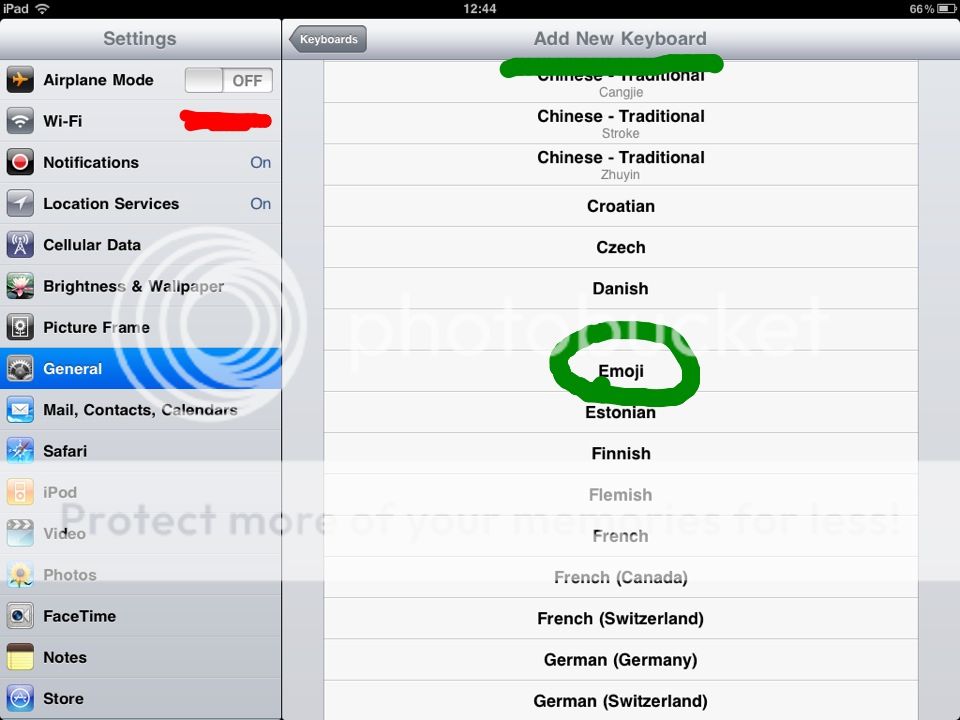
1.Go to you'r settings.
2.Go to General.
3.Scroll down until you see "Keyboard"*
click it.
4.Keyboards
5.Add new keyboard
6.Scroll untill you find:"Emoji"
For all iDevices:
Spoiler
1.Go to app store.
2. search:Emoji*
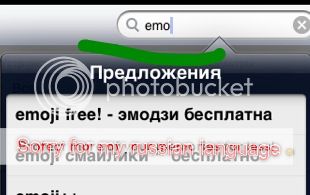
3.Download it*
4.Once it is downloaded,enter it and then relaunch you'r iPad/iPhone/iPod(hold 5 seconds on the OFF button)
5.Go to you'r settings.
6.Go to General.
7.Scroll down until you see "Keyboard"
click it.
8.Keyboards
9.Add new keyboard
10.Scroll untill you find:"Emoji"
How does it work?
Have fun!
Sorry for not that muchpics,cus someone limited me to 5.